

Voip refreshment works checking project functionality and bringing the site to the production mode.
Portal Page Repair
Portal Page Repair
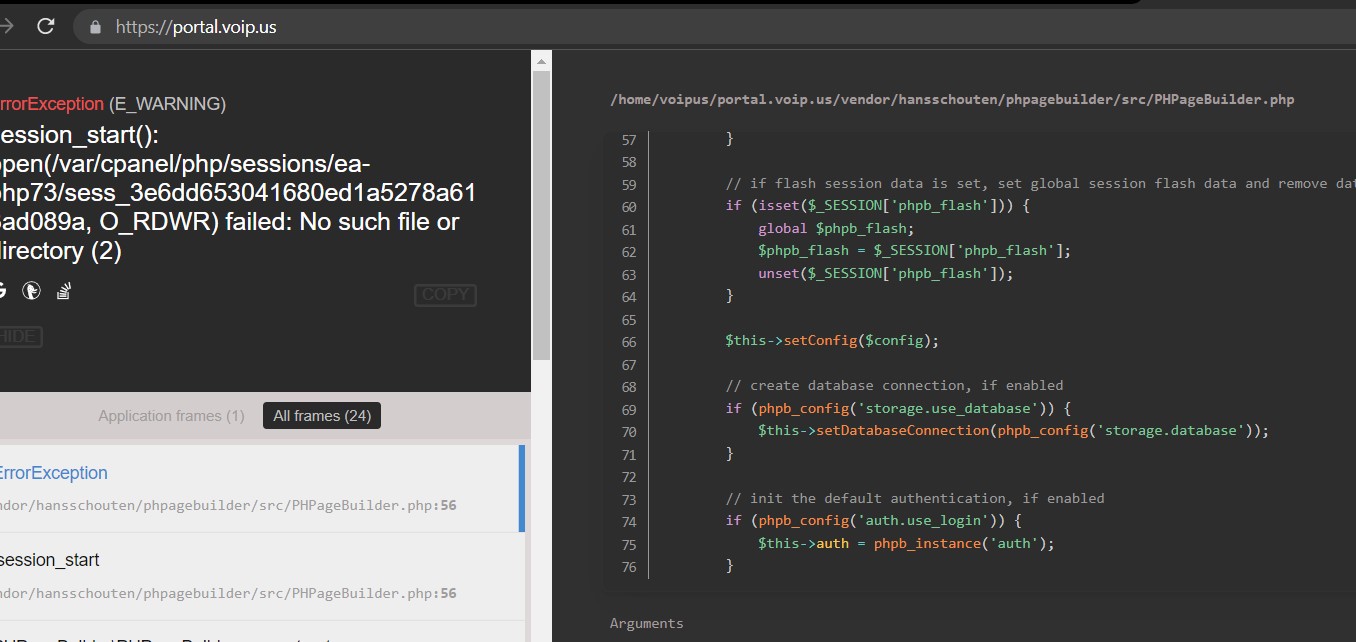
The Laravel based page keeps breaking up and display source code occasionally please fix this issue so there will be always portal page available for our clients 24/7 access.
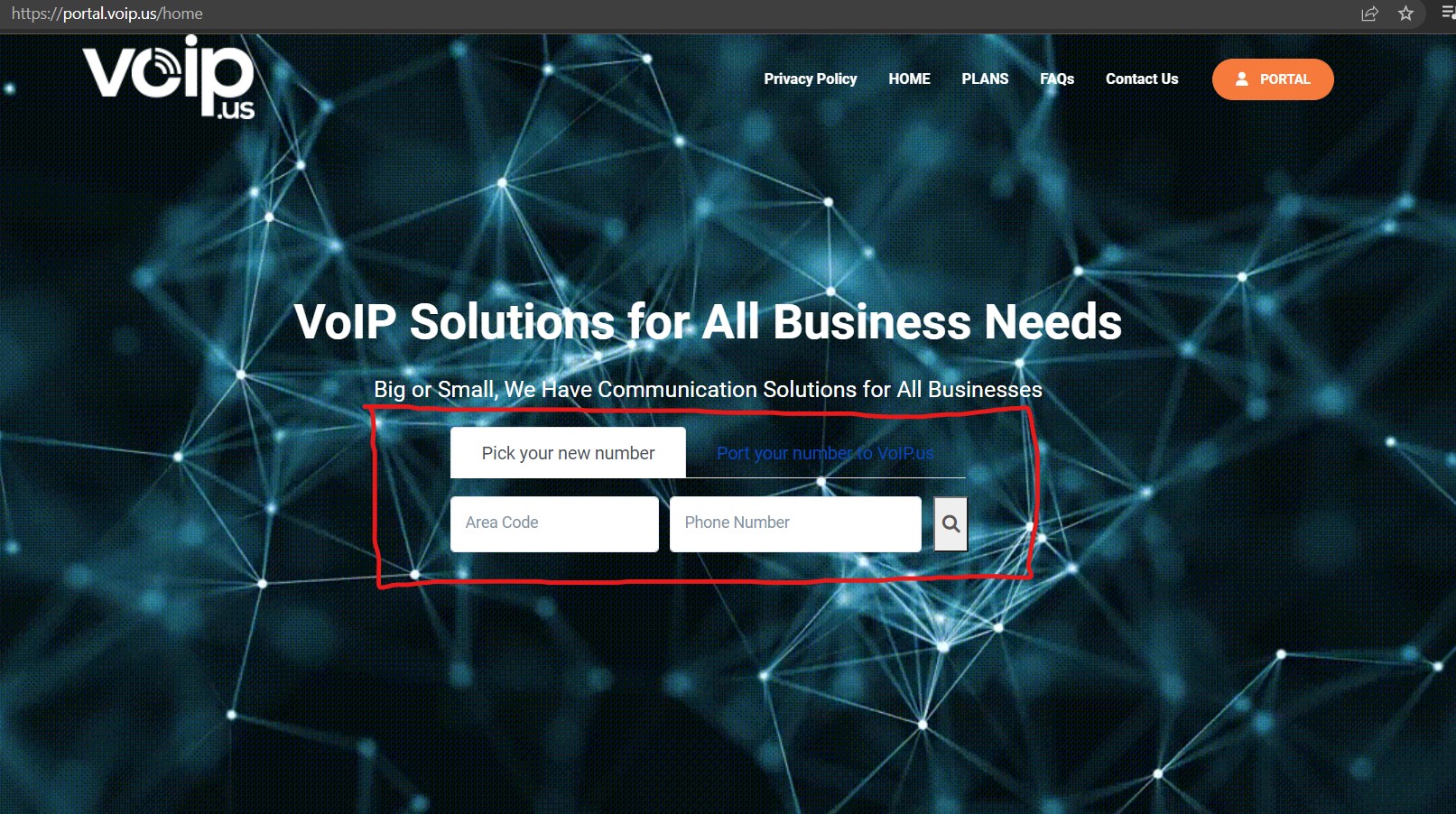
CMS 4 Search Area
CMS Search Area
Currently our Voip Project has got CMS back end developed but some areas are still not fully editable. In our CMS package you will see that all page areas set as blocks and modules. In this task please create a Search area so it is as a separate module and could be added in any page and area ( highlighted on this screen shot below). Please ensure that the search module is fully editable font color, size, add icon, image, text reach editing functions and etc. Please ensure that admin can hide the search module if required, or show on other voip pages and areas.
Check Number Porting Availability
Check Number Porting Availability
As on screen shot below yellow zone, we need an input field which should appear once client click on Port Your Number to Voip.us button.
On the input field potential customer can input from 1 to 10 numbers at once to check if the numbers are eligible for porting to VoipUs.
Please make the porting availability respond displays on the same field without page any redirection. If customer inputs more than 10 numbers then customer can be redirected to the following page for bulk numbers check. On that page please put a message Numbers Portability Bulk Checkup.

Once all the numbers have been paste (xxxxxxxxxx format) there should be a check eligibility button to start when clicked all the numbers begin to start searching porting eligibility. This process can be established via API please read this documentation here where it clearly says how to. Please also see the sample how we want it to be on intelligent page here .
Please note that VOIP us has been already API linked to Intelligent provider so you would need to add some snippets to the source code to complete this task.
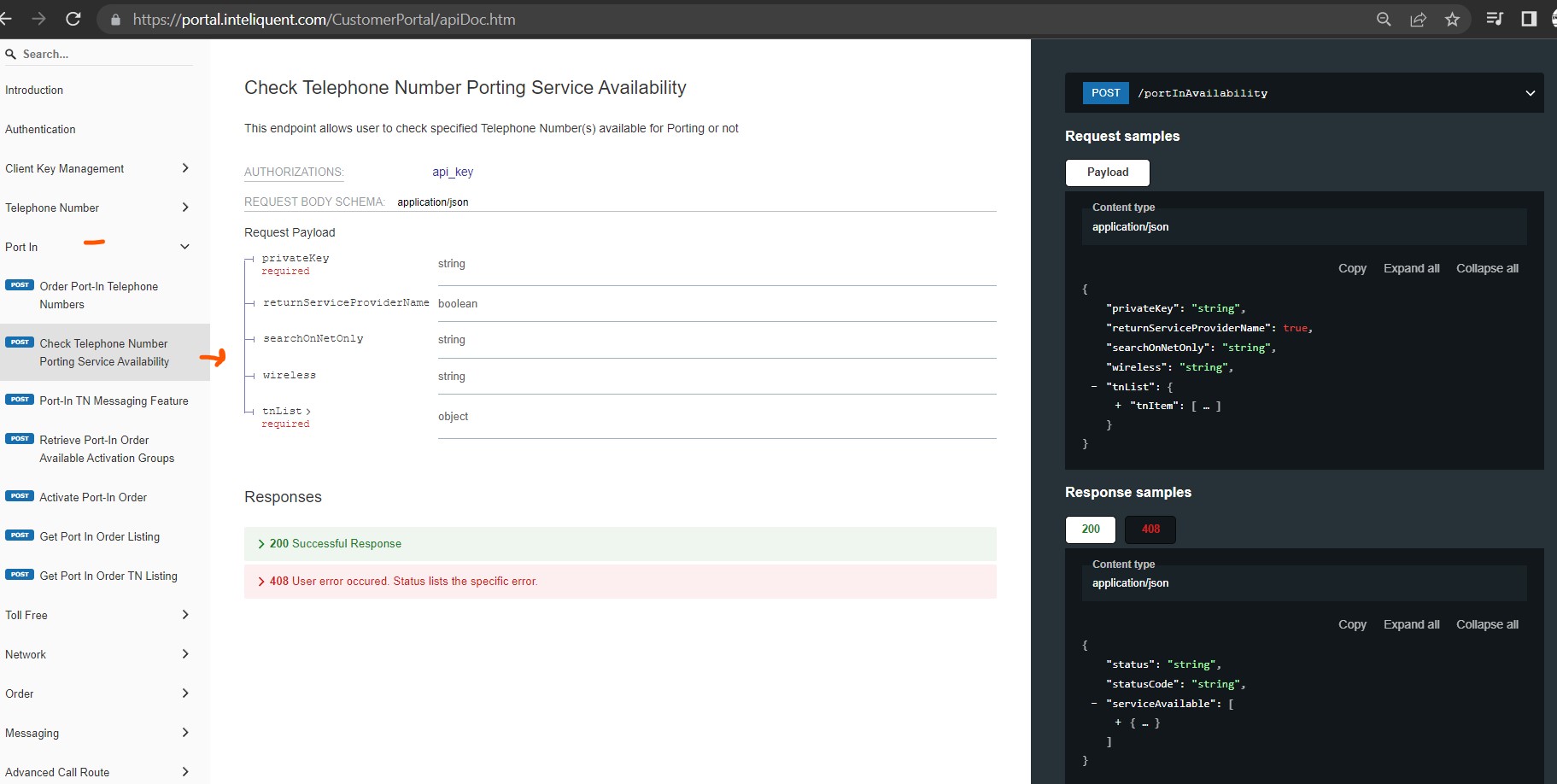
Once the numbers confirmed and eligible for porting the intelligent system shows such numbers as eligible and those are not eligible it reports back with the error message or reason.
After numbers check completed please make a Start button so customer can proceed their query for manual porting request https://portal.voip.us/contact-us.
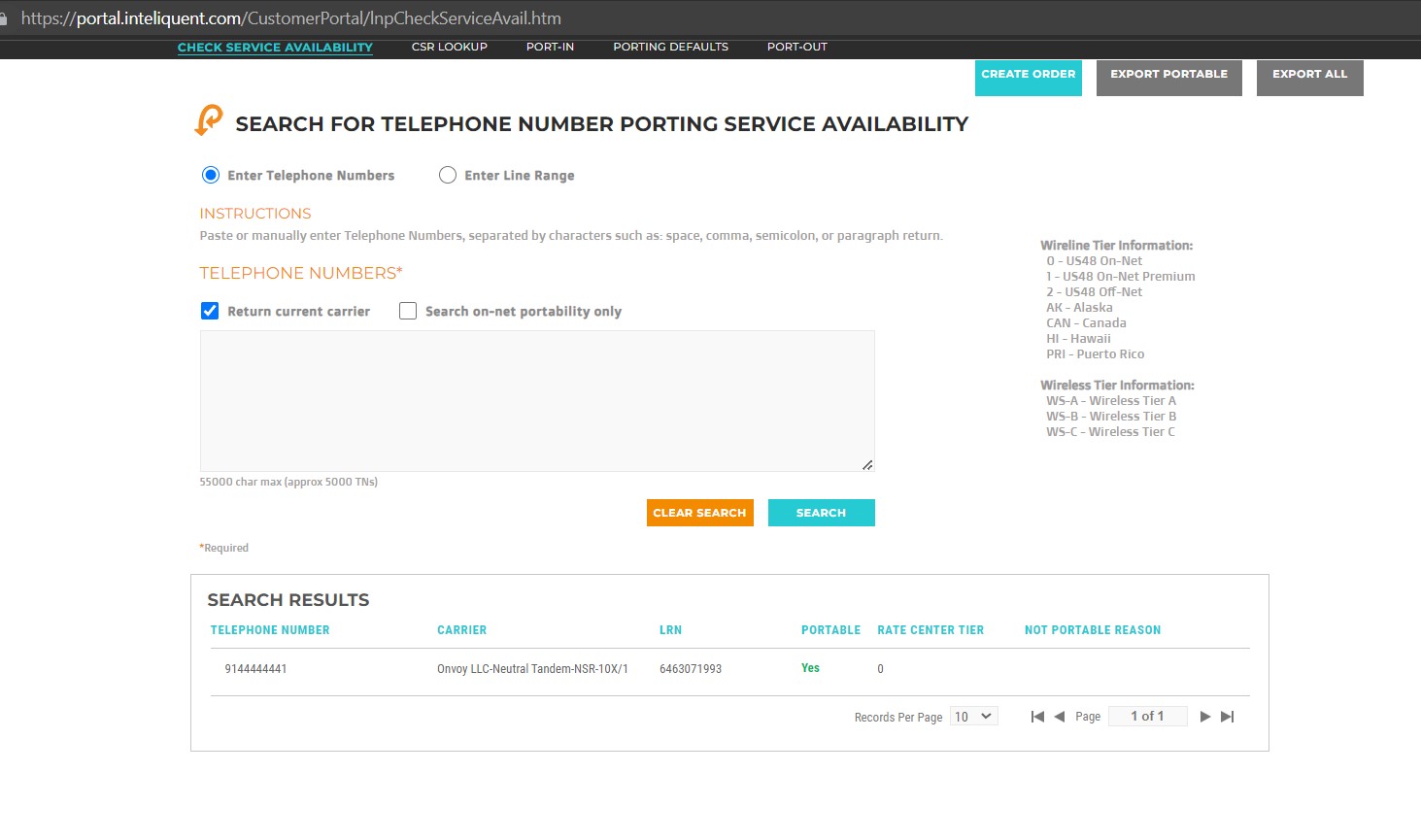
IMPORTANT: On our Voip portal please hide Carrier Information which not suppose to be shown during Porting Availability Check.
Library Clean Up
Library Clean Up
From file manager interface please inspect all the junk files that are not being used for the VoIP project also inspect any cross conflicts that freezing our web site and terminate all misconfiguration if any.
Page Builder Fix
Page Builder Fix
This issue related to the task that has been already fixed by allocated developer
Notes: please make sure all work must be done on both desktop site and mobile. Also please test all tasks before reporting completion.
Good luck !




Leave A Comment